 Zilong Liang・Mesh
My AI Agent Setup, May 2026
In this fast-changing world of agentic engineering, I thought it would be valuable to record which AI agents I use and how I use them.
Coding agents
Amp
Amp is now my primary coding agent for personal use. My profile is here: @zlliang.
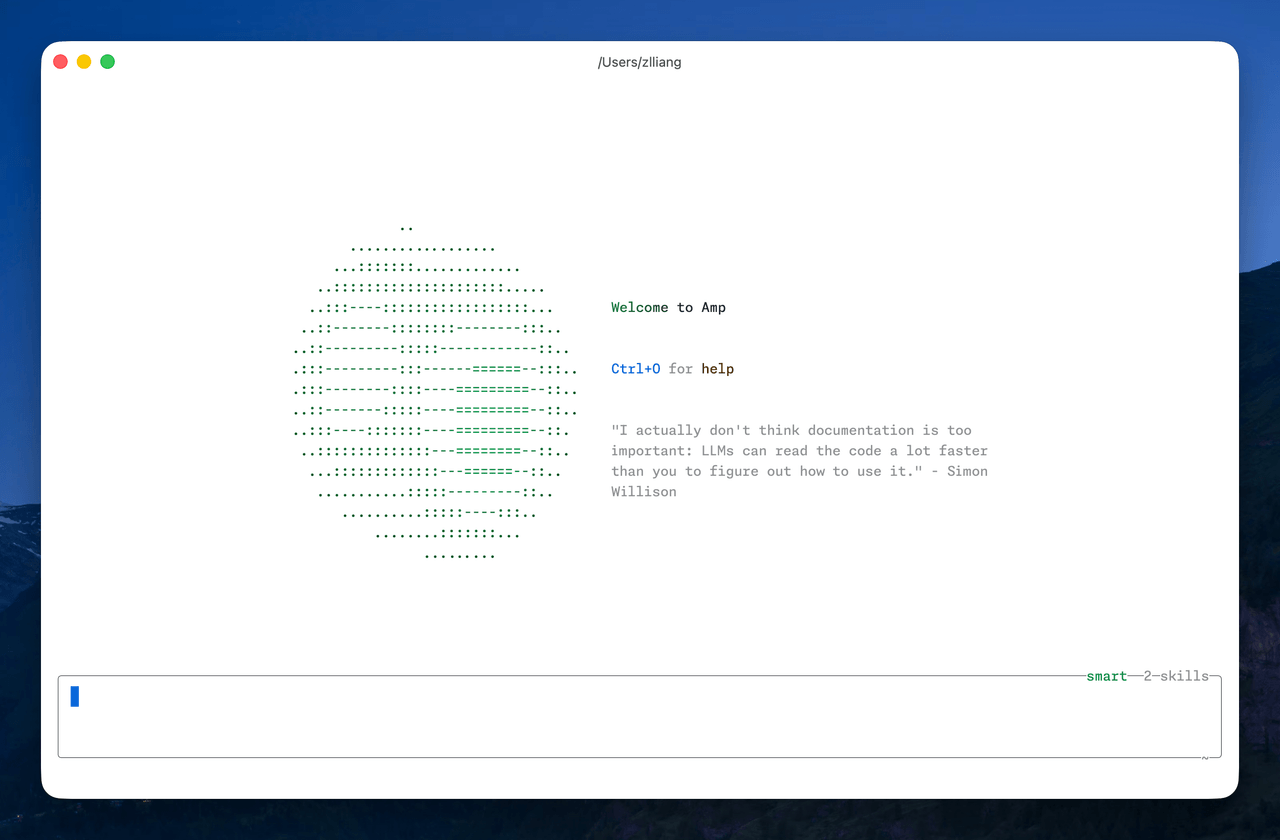 Amp
Amp
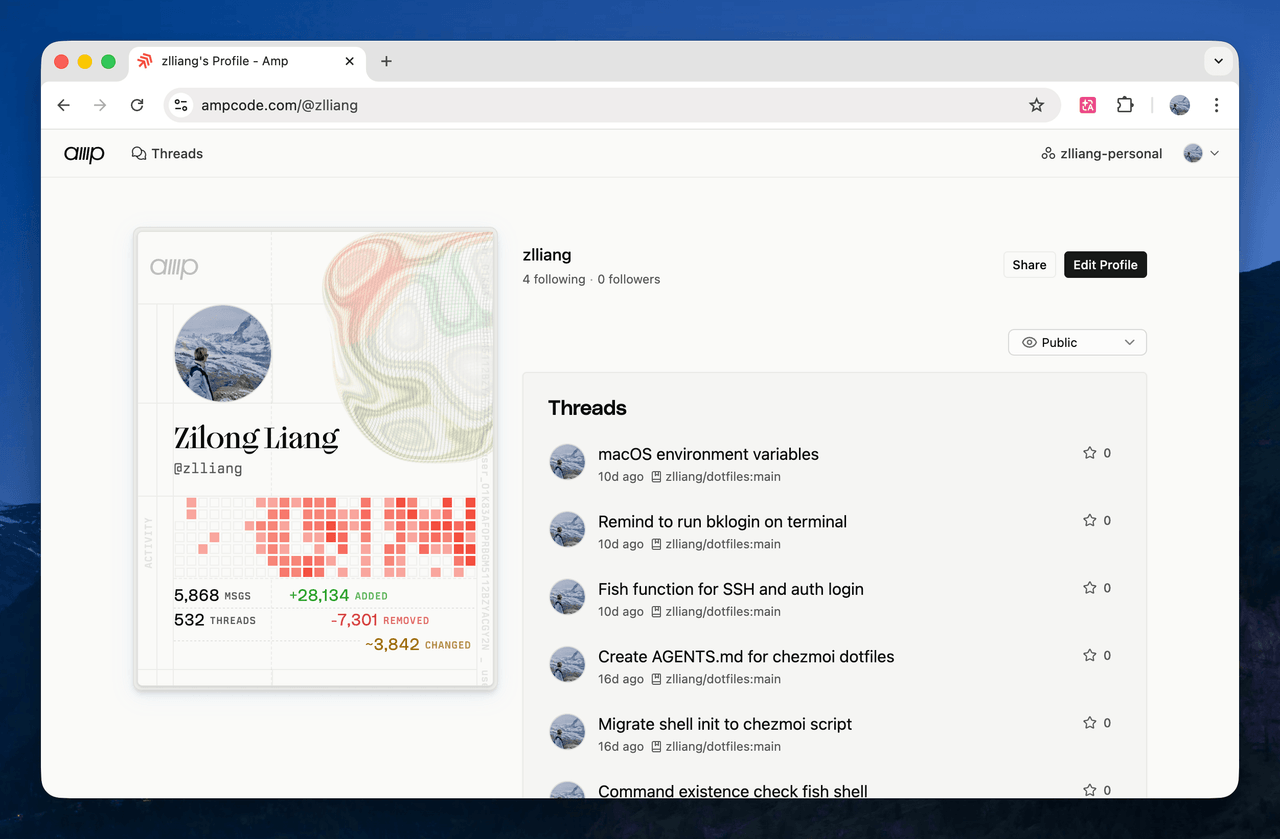 My Amp profile
Amp doesn’t provide a model selector. Instead, it uses a managed approach that bundles models, system prompts, tools, and subagents into what it calls “agent modes”. At the moment, smart uses Claude Opus 4.7, and deep uses GPT-5.5 as the main model.
Recently, the Amp team has been building the next version, Amp Neo, and gradually rolling it out. By cutting features they do not see as part of the future and adding new ones, Amp stays close to the frontier of agentic engineering workflows.
Amp uses pay-as-you-go pricing. Not cheap, to be honest, but the frontier experience is worth it. I got access to $10/day in free credits, which covers a large part of my daily usage.
Here are my Amp settings:
{
  "amp.git.commit.coauthor.enabled": true,
  "amp.git.commit.ampThread.enabled": false,
  "amp.skills.path": "~/.agents/skills",
  "amp.skills.disableClaudeCodeSkills": true
}
Codex
Codex is my secondary agent. I installed the standalone Codex app and mostly use it there. I also installed the CLI, but I barely use it. I use Codex through my ChatGPT Plus subscription.
The Codex team has been shipping new features very actively over the past few months. Recent additions like computer use, browser use, and Codex for Chrome have hugely expanded its capabilities. Codex now feels like it is growing into a superapp, not merely a coding agent. Also, GPT-5.5, released in late April, is a very strong model.
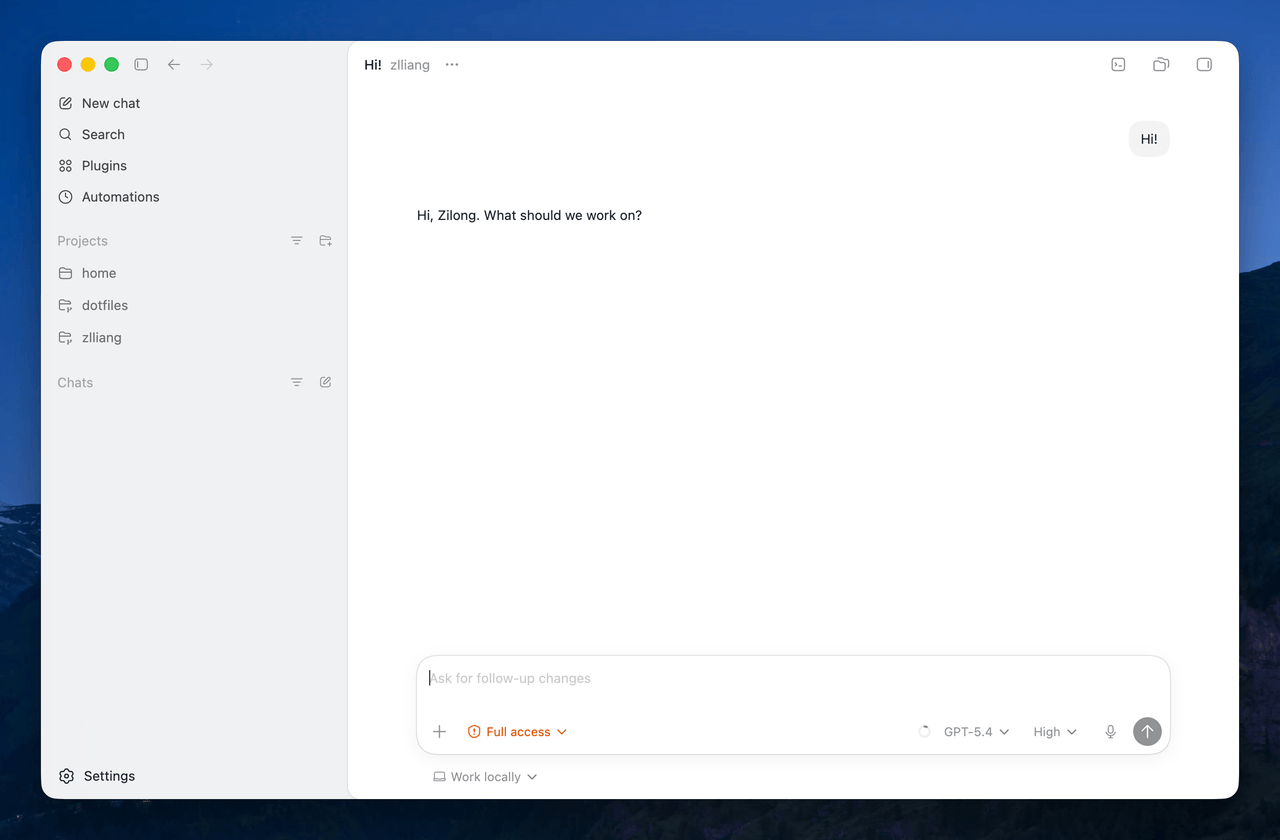 Codex app
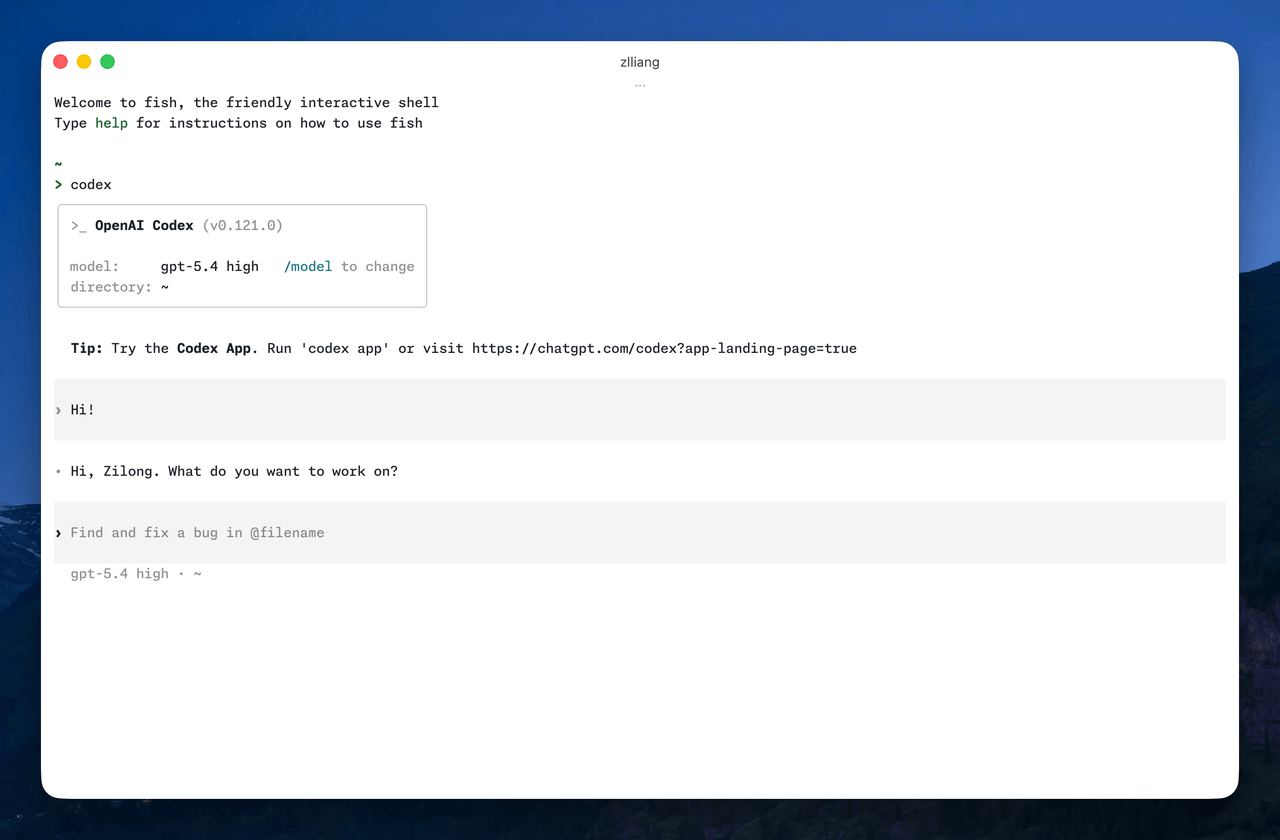 Codex TUI
Here are my Codex settings:
model = "gpt-5.5"
model_reasoning_effort = "medium"

[features]
memories = true

[plugins."computer-use@openai-bundled"]
enabled = true

[plugins."browser@openai-bundled"]
enabled = true

[plugins."chrome@openai-bundled"]
enabled = true

[plugins."documents@openai-primary-runtime"]
enabled = true

[plugins."spreadsheets@openai-primary-runtime"]
enabled = true

[plugins."presentations@openai-primary-runtime"]
enabled = true
Claude Code
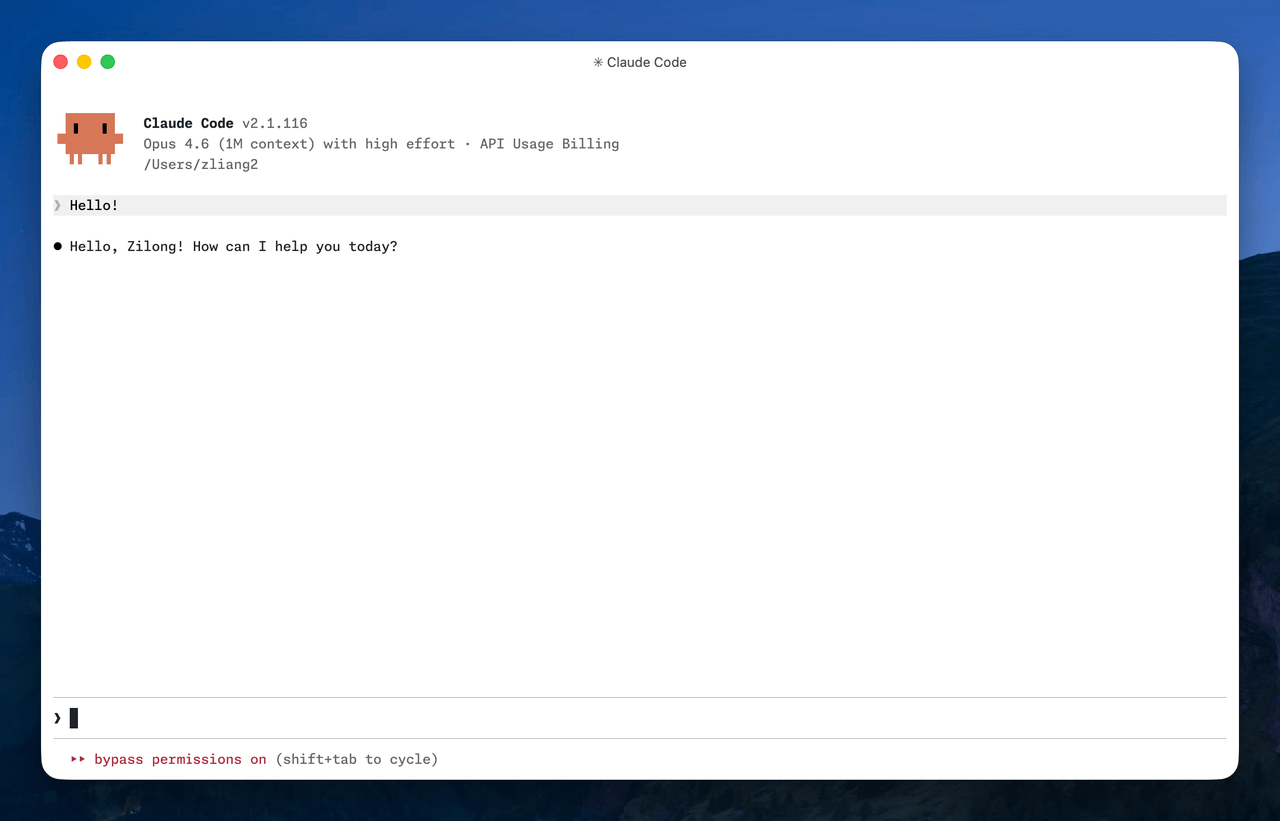
I mainly use Claude Code on my work laptop, via my company’s model provider. On my personal laptop, I use it via Vercel AI Gateway.
 Claude Code
From my short period of usage, I have found several annoying things about Claude Code. For example, it silently installs the VS Code extension when I run it in the editor’s integrated terminal. It also shows somewhat different welcome screens, which I noted before. Fortunately, there are environment variables to control these behaviors.
Here are my Claude Code settings:
{
  "env": {
    "CLAUDE_CODE_DISABLE_EXPERIMENTAL_BETAS": "1",
    "CLAUDE_CODE_IDE_SKIP_AUTO_INSTALL": "1",
    "CLAUDE_CODE_NO_FLICKER": "1",
    "IS_DEMO": "1"
  },
  "theme": "auto",
  "model": "opus[1m]",
  "effortLevel": "high",
  "attribution": { "commit": "", "pr": "" },
  "skipDangerousModePermissionPrompt": true
}
Skip permissions by default
I use coding agents without annoying permission dialogs. The three agents above all provide settings to bypass permissions and allow the model to run commands directly. I haven’t encountered problems with this yet.
Here are my shell aliases:
alias amp "amp --dangerously-allow-all"
alias codex "codex --dangerously-bypass-approvals-and-sandbox"
alias claude "claude --dangerously-skip-permissions"
Harnesses
“Harness” has become common jargon for the setup surrounding a coding agent: project instructions, personal preferences, tools, and integrations that help the agent work better. AGENTS.md, MCP, and skills are three common examples.
AGENTS.md
My global AGENTS.md is stored in my dotfiles repository. It is synced by chezmoi across all coding agents I’m using, including aliasing it to CLAUDE.md for Claude Code. It describes my basic personal information, communication preferences, and instructions on writing and coding.
Project-wise, I create AGENTS.md and CLAUDE.md, and only mention AGENTS.md in the latter:
@AGENTS.mdMCP
I don’t use MCP for my personal use. On my work laptop, I use several MCP servers to interact with multiple internal engineering platforms.
Skills
I’m using skills.sh to manage my skills, with the following general skills installed globally:
For Google Docs, fortunately Google released a CLI and a bunch of agent skills to work with it.
I install these skills under ~/.agents/skills and symlink them to ~/.claude/skills. Project-wise, I use .agents/skills and .claude/skills.
This setup will probably look different in a few months. The agent space is moving fast, and many of these tools are still changing their core interaction models. For now, Amp is my daily driver, Codex is the most rapidly expanding alternative, and Claude Code remains useful in work environments where it is already integrated.
Update May 21, 2026: Slightly updated the settings of Codex and Claude Code.